

Blog
Why Your Footage Turns Blocky the Moment Someone Runs: Bitrate, H.265, and Compression Explained
Sep
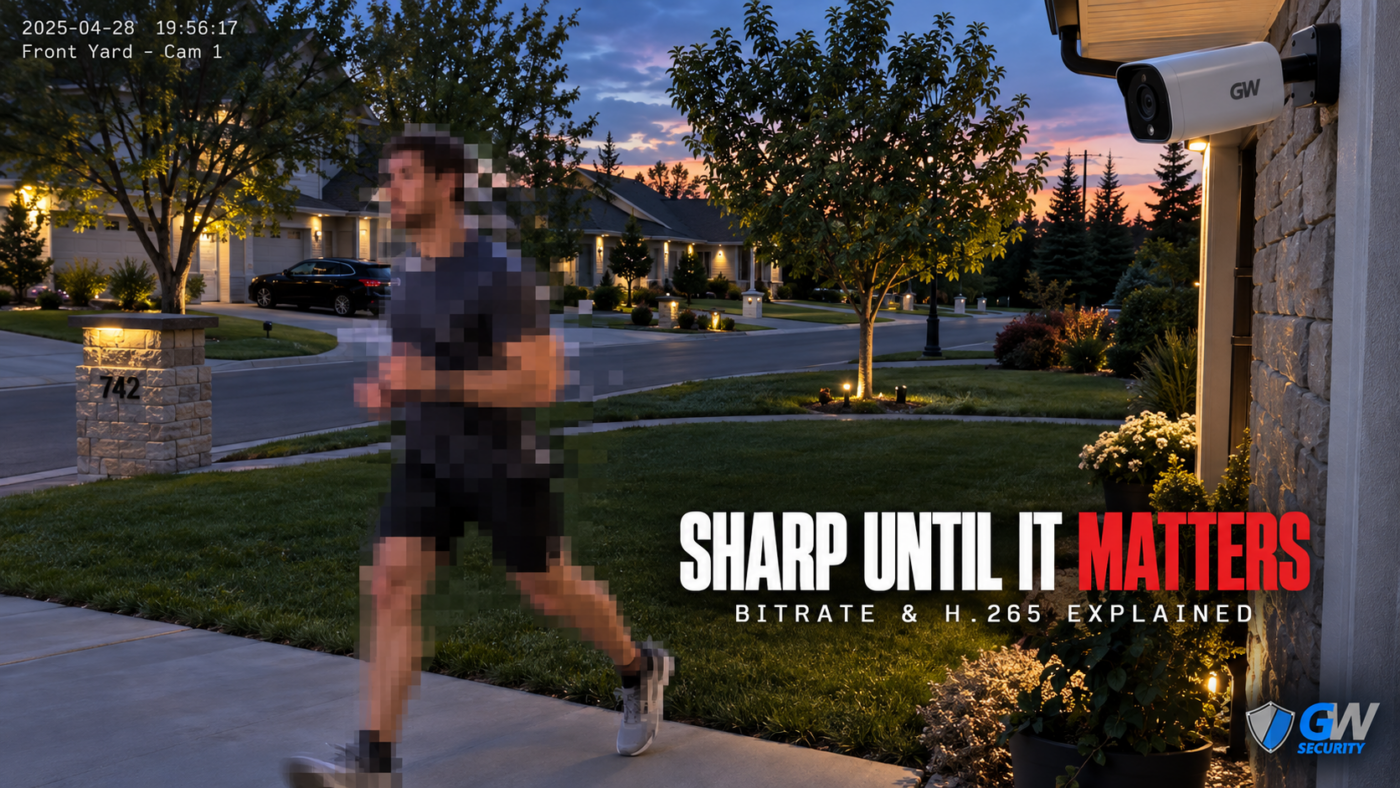
Freeze any quiet moment on your camera and the frame looks fantastic — you can count the bricks on the porch. Then someone jogs across the yard, and at the exact second you care about, their face dissolves into a mosaic of gray squares. The still frames on either side are crisp. The moment of motion is mush.
That’s not a broken camera and it’s not a resolution problem — your 4K sensor captured that face just fine. What failed is the step nobody thinks about: compression. Every security camera crushes its video down to a tiny fraction of the raw data before anything gets recorded, and two settings you’ve probably never opened — the codec and the bitrate — decide what survives the crush. Here’s how it works, why it fails precisely when things move, and the twenty minutes of settings changes that fix it.
Your camera keeps almost none of what it sees
Raw 4K video is enormous — on the order of gigabits per second from a single camera. No hard drive or home network could keep up, so the camera compresses every stream down to a few megabits before it leaves the lens housing. The recording your NVR stores is not “the video” — it’s a radical summary of it.
Compression earns that ratio with a clever trick: it doesn’t store every frame as a picture. Every second or two it stores one complete snapshot (an I-frame), and every frame in between stores only what changed since the last one. A static porch at 3am barely changes, so those in-between frames cost almost nothing — which is how a whole night fits in a few gigabytes, as we covered in the storage guide.
Now you can see the failure coming: motion is expensive. A person running, rain, snow, wind-blown trees, a flag — suddenly everything is changing, every frame, and the camera has a budget. That budget is the bitrate.
Bitrate: the quality dial hiding in your settings
Bitrate is the data allowance your camera gets per second — 2 Mbps, 4 Mbps, 8 Mbps. When the scene is calm, the allowance is plenty. When the scene erupts with motion, the camera must describe a lot of change with the same few megabits, and it triages: fine detail goes first, then textures flatten, then whole regions get approximated as blocks. The result is footage that looks great always — except during the event you bought the camera for.
This is also the answer to a question we get on support calls constantly: “why does my expensive 4K camera look worse than my old 1080p one?” Because 4K has four times the pixels to describe, a 4K stream starved at a 1080p-sized bitrate has a quarter of the data per pixel. Resolution promises detail; bitrate delivers it. As with resolution and dynamic range, the headline spec only pays off when the quiet spec behind it keeps up.
H.264, H.265, and the “smart” codecs
The codec is the compression engine itself, and there are three generations on today’s spec sheets:
H.264
AVC · the old standard
Plays everywhere, supported by everything — and needs roughly twice the bitrate of H.265 for the same quality. Fine at 1080p; wasteful at 4K.
H.265
HEVC · today’s default
Same visual quality at roughly 40–50% less data — or, spend the same data and get visibly better motion detail. The setting every modern 4K system should be on.
H.265+ / smart codecs
Scene-adaptive
Spends almost nothing on the static background and concentrates data on moving subjects. Can cut storage another 50%+ on quiet scenes. Best when recording 24/7.
The numbers that actually work
Recommended main-stream bitrates for typical home scenes, assuming H.265 at the security-standard 15 frames per second:
| Camera | Bitrate (H.265) | What to expect |
|---|---|---|
| 1080p (2MP) | 1–2 Mbps | Clean motion at normal activity. Below 1 Mbps, faces start blocking up during movement. |
| 2K (4MP) | 2–4 Mbps | The value sweet spot — noticeably more detail than 1080p without 4K’s appetite. |
| 4K (8MP) | 4–8 Mbps | Use the top of the range on busy or high-stakes views (front door, driveway). 4K below ~4 Mbps is paying for pixels the bitrate can’t feed. |
| Busy scene bonus | +50% | Trees in wind, street traffic, flags, water — constant motion needs headroom or it eats the budget your subject needed. |
One more setting lives next to bitrate: CBR vs VBR. Constant bitrate spends the full allowance always, even on an empty porch at 4am. Variable bitrate spends little on calm scenes and surges for motion — better quality and smaller files. Choose VBR with quality set to high; it’s the right answer for almost every home system.
Why night is the perfect storm
Blocky footage complaints spike at night, and it’s not a coincidence — it’s a pile-up. Low light means sensor gain, gain means grain, and to a compressor, grain looks like the entire frame moving at once, every frame. The bitrate drains into encoding noise, and when a real subject finally walks through, there’s nothing left in the budget for their face. If your night image is grainy, your night compression is bad too — fixing the light (better IR coverage, a porch light, moderate noise reduction) quietly fixes both.
The twenty-minute fix, in order
- Switch every camera to H.265. Encoding settings → video → codec. Most systems ship set to H.264 for maximum compatibility, which silently halves your quality-per-megabit. This one toggle is the biggest free upgrade in this post.
- Raise the bitrate on the cameras that matter. Check your door, driveway, and chokepoint cameras against the table above — and if a 4K camera is sitting at 2 Mbps (a common factory default), you’ve found your blocky-face bug. Set VBR, quality high.
- Drop 30fps to 15 and reinvest the savings. Thirty frames per second is for sports, not porches — 12–15fps is the professional security standard and nobody reviewing an incident has ever wished for smoother panning. Halving the frame rate frees roughly half the bitrate: same allowance, twice the quality per frame.
- Tame night grain. Moderate (not maximum) noise reduction, adequate IR, and a dusk test. Less noise means the night bitrate goes to subjects instead of static.
- Re-check your storage math. Codec and bitrate changes swing recording capacity by 2–4× in either direction — rerun the numbers from the storage guide so a quality upgrade doesn’t quietly cut your retention from 30 days to 12.
- Judging quality by daytime stills. Any camera looks sharp on a frozen frame of a calm, sunlit scene. Compression only shows its work during motion — test with a person moving, at dusk.
- “It’s 4K, so it’s better.” A 4K stream at a starved bitrate loses to a well-fed 1080p stream where it counts — on the moving subject. Pixels don’t help if the data budget can’t describe them.
- Blaming the camera for the sub-stream. Apps and multi-camera grid views often show a low-resolution “sub-stream” to save bandwidth. Before judging footage, open the full main-stream recording — you may be reviewing the thumbnail feed.
- Maxing every setting “to be safe.” 30fps + maximum bitrate + 4K on all channels can exceed your NVR’s total throughput and will slash retention. Spend deliberately: top-of-range on the views that identify people, mid-range everywhere else.
How to read a spec sheet for compression
- Codec list — you want “H.265” at minimum; “H.265+” (or a vendor smart-codec name) is a bonus for 24/7 recording. H.264-only on a new 4K camera is a red flag.
- Maximum bitrate — check the top of the adjustable range. A 4K camera that caps at 4 Mbps has no headroom for busy scenes.
- Main stream vs sub stream — confirm the resolutions and bitrates listed are for the main (recording) stream. Some sheets quote the flattering number without saying which stream it belongs to.
- Frame rate at full resolution — “4K@15fps, 1080p@30fps” is honest labeling. If the sheet only says “30fps” somewhere near “4K,” verify they happen at the same time.
- NVR incoming bandwidth — the whole system’s ceiling, in Mbps. Add up your cameras’ main-stream bitrates; if the sum crowds the ceiling, the NVR — not the cameras — becomes the bottleneck.
Want a second pair of eyes on your settings?
Tell our U.S.-based team your camera models and what your motion footage looks like — we’ll walk you through codec, bitrate, and stream settings on a real phone call. No wait tree.
Building a system with headroom to spare?
H.265 cameras and NVRs with the bandwidth and storage to run every channel at full quality — matched to your property in six questions. 60 seconds, no email required.
