

GW Security Field of View (FoV) Calculator
Easily calculate your camera’s Field of View by entering the lens focal length and selecting the corresponding sensor size. For cameras with adjustable zoom, simply enter a focal length range to see the horizontal and vertical FoV at each zoom level.
What is Field of View (FoV)?
The Field of View represents the extent of the scene captured by your camera lens, measured in degrees. A wide FoV captures more area—ideal for surveillance coverage—while a narrow FoV offers greater detail over a smaller space.
Sensor Size Matters
The CMOS sensor size refers to the actual dimensions of the camera’s image sensor (commonly listed in inches). This factor significantly impacts how much of the scene is visible, along with depth of field and overall image clarity.
Understanding Focal Length
Focal length, measured in millimeters (mm), is the distance between the lens and the image sensor. A shorter focal length provides a broader viewing angle, while longer focal lengths are used for zooming in on distant subjects.
Note: This calculator assumes the camera is mounted horizontally. Results may vary based on camera angle, lens distortion, or specific mounting environments.
-40%
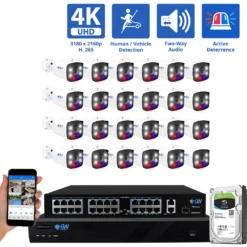
32 Channel 4K Security Camera Systems
Original price was: $7,549.00.$4,499.00Current price is: $4,499.00.
-43%

32 Channel 4K Security Camera Systems
Original price was: $6,499.99.$3,699.00Current price is: $3,699.00.
-40%
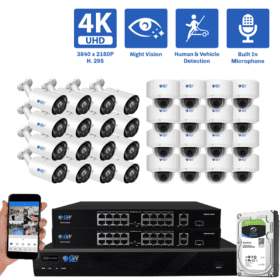
32 Channel 4K Security Camera Systems
Original price was: $12,149.99.$7,249.00Current price is: $7,249.00.
-42%

CCTV Security Systems
Original price was: $9,349.99.$5,449.00Current price is: $5,449.00.