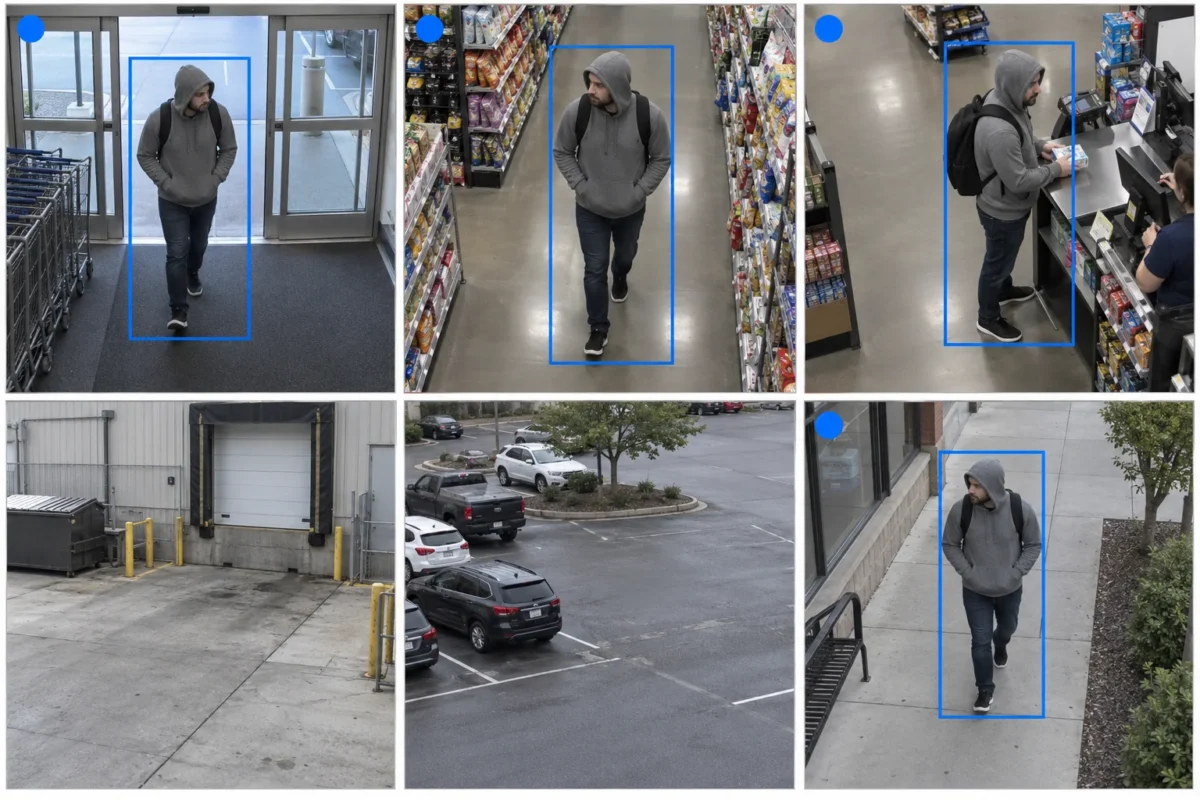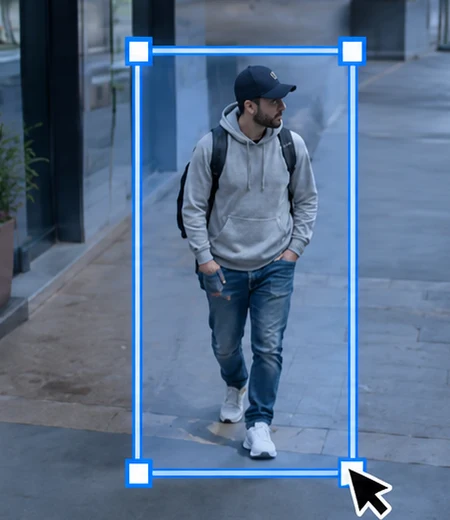
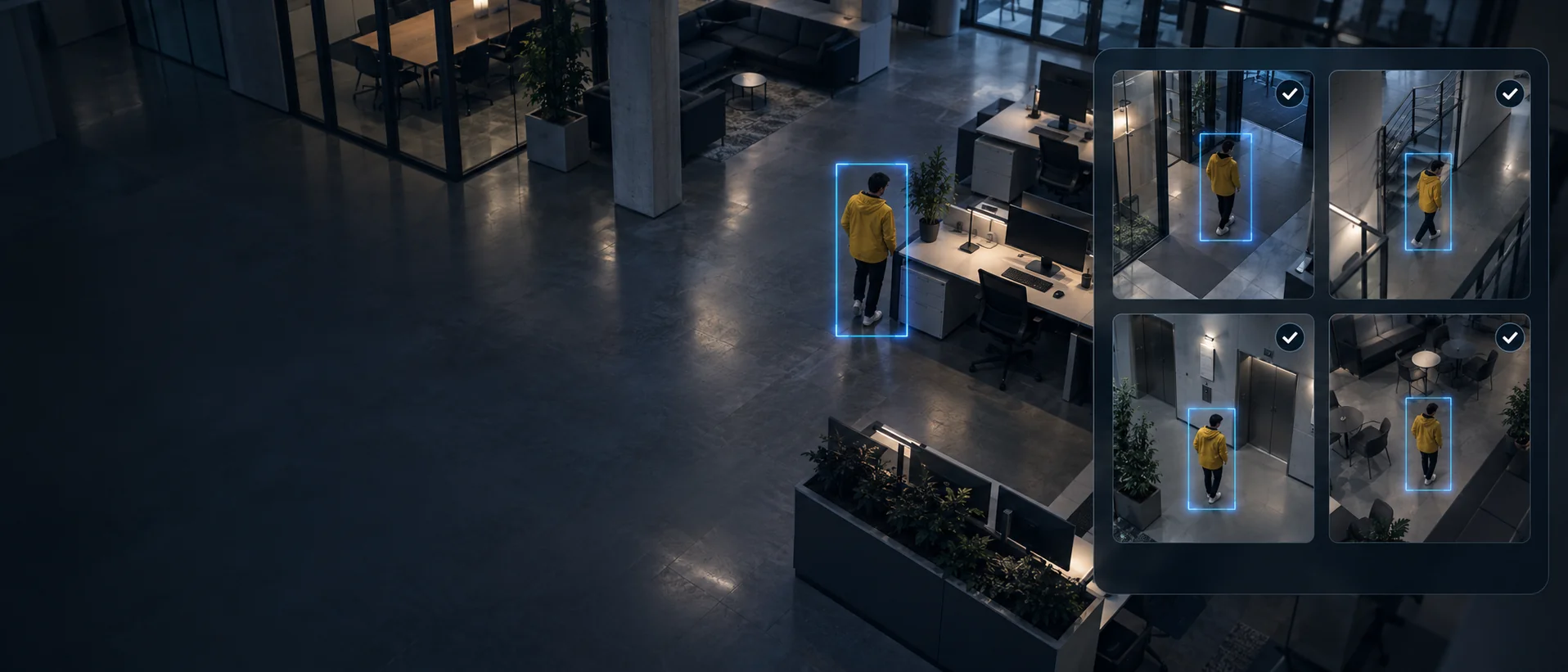
Person highlighted by AcuSearch and matched across four cameras

8-Channel 42 Series NVR · Smart Search

Find the person. Find the vehicle. In seconds.

Your recorder watches every camera, all day. GW Security’s new 8-channel 42 Series NVR now lets you search that footage the way you’d search the web: describe what you’re looking for, or click on it, and the matching clips from every camera come back in seconds.

AcuSearch finds the matching appearances of a person or vehicle you select in playback. Type and Search (Deep AI Search) finds people and vehicles from a plain-English description. No subscription, no cloud upload. It all runs on the recorder.

See compatible systems Watch how it works

Hours of footage. One person you need to find.

A package goes missing, a car clips the gate, someone walks in who shouldn’t. The old way is scrubbing the timeline camera by camera, hour by hour, and hoping you don’t blink at the wrong moment. The 42 Series does the looking for you.

In Playback

AcuSearch

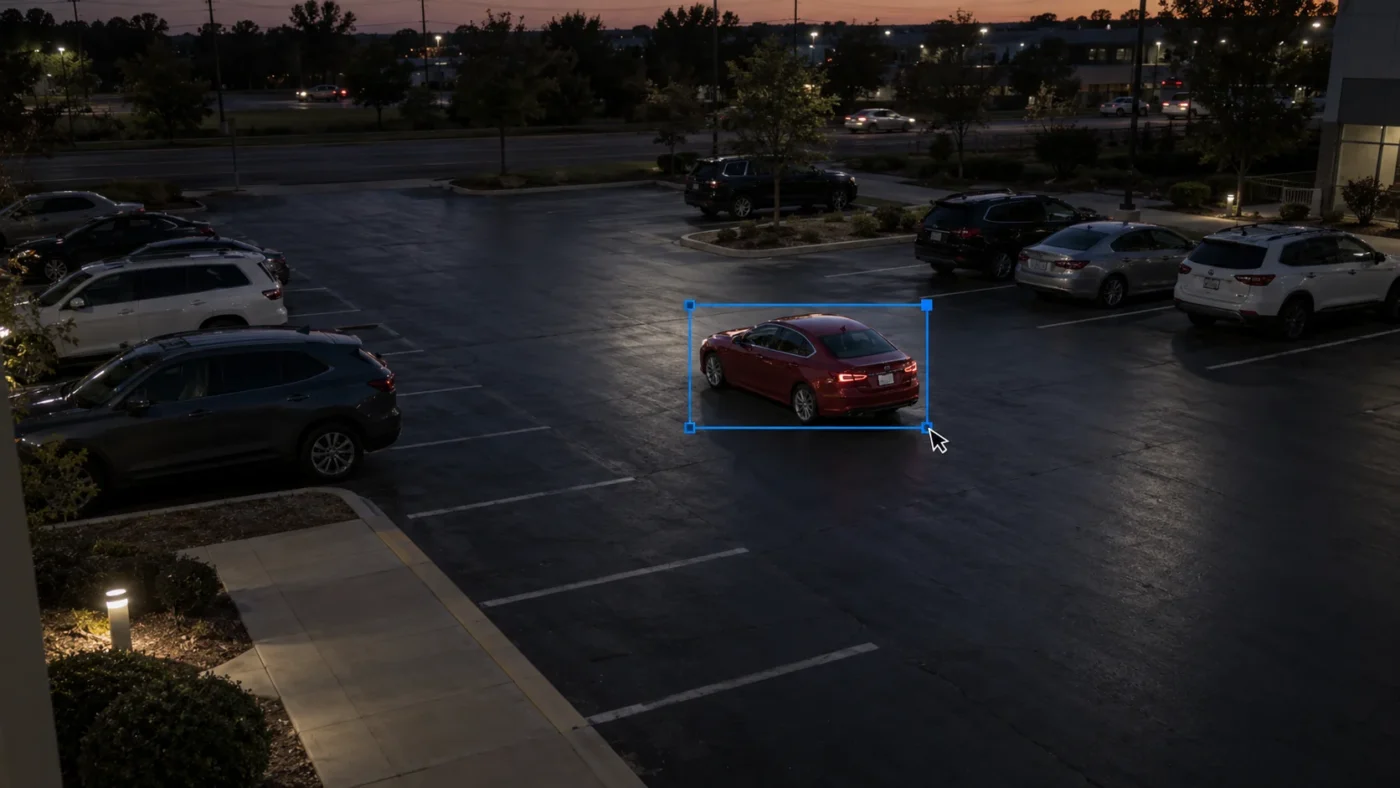
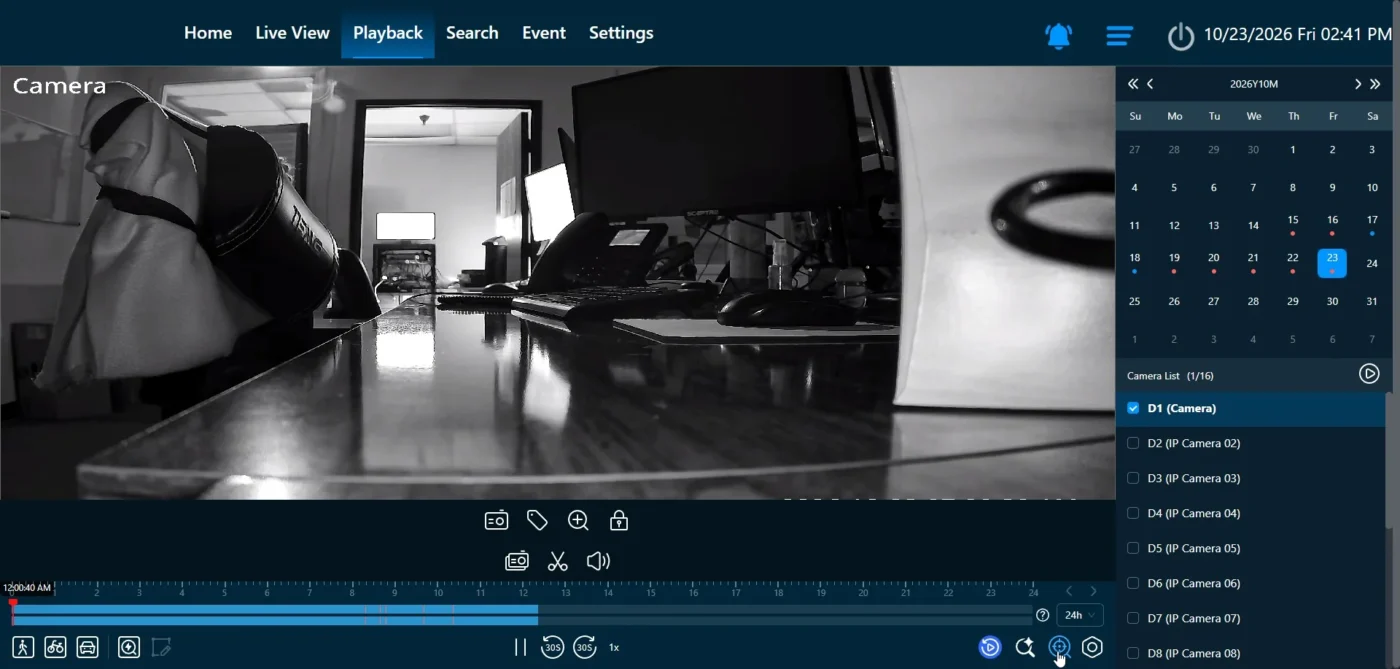
Scrubbing through footage and spot something? Click the target icon at the bottom right of the playback timeline, draw a box around the person or vehicle on screen, and choose what you want to do with it:

  • AcuTrack follows that target through the recording, so you can watch exactly where it went without losing it in the frame.
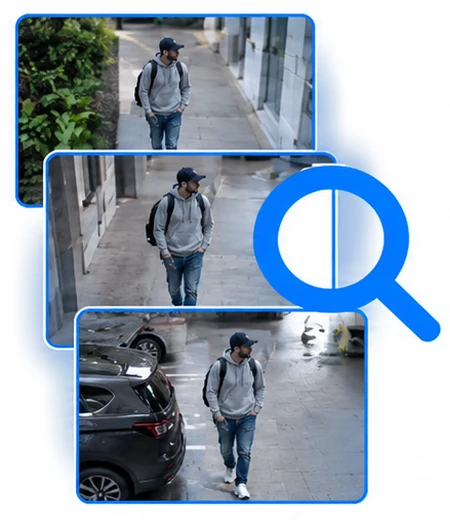
  • AcuSearch looks across every camera on the system and returns the clips where the same person or vehicle appears, so a one-hour hunt becomes one click.

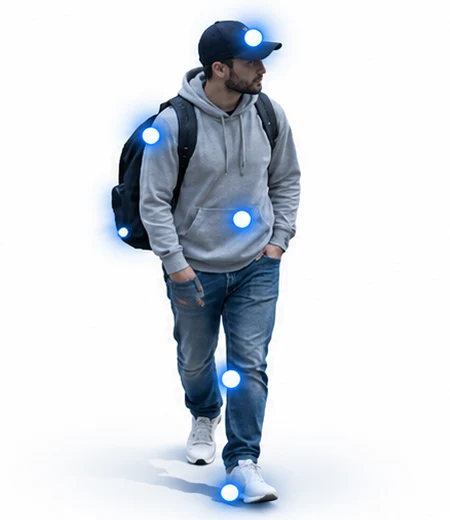
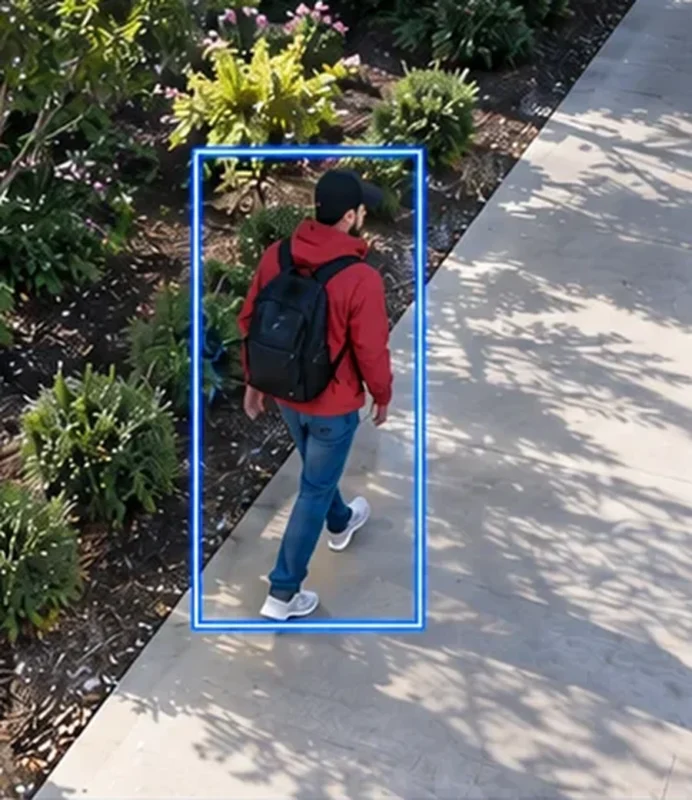
The recorder matches on more than a silhouette. It compares details like a hat, a backpack, a vehicle’s headlights or roof rack, which keeps the results tight even across different camera angles.

Drawing an AcuSearch box around a red sedan in playback

1. Draw a box around the person or vehicle

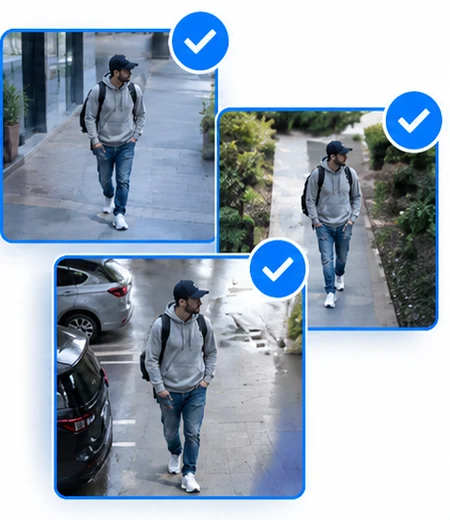
AcuSearch results: the same person found on four of six cameras

2. The matches from every camera, in seconds

From the Search menu

Type and Search (Deep AI Search)

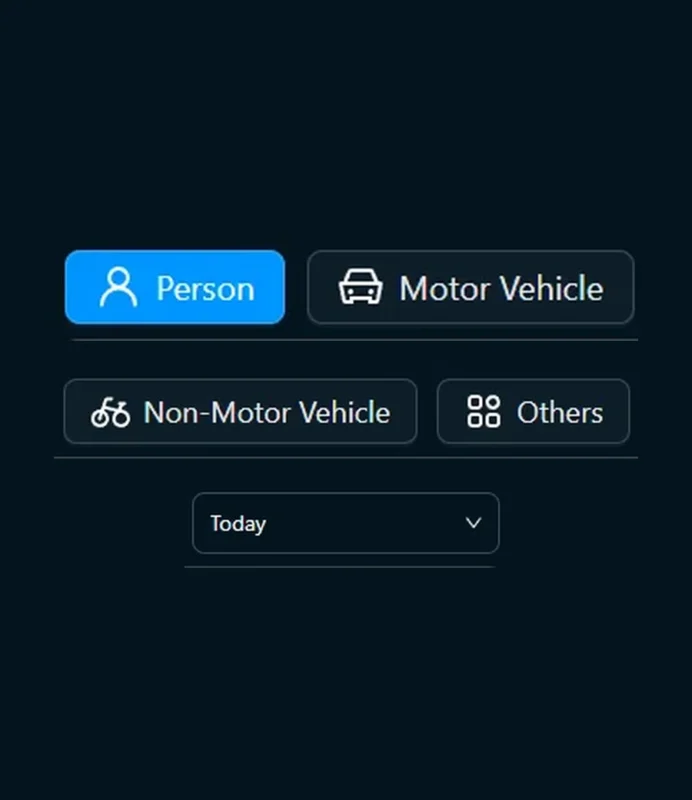
Don’t have a clip to start from? Open Type and Search and ask for what you need. Pick a category and a date range, or just type a description:

  • Person, with details like clothing color, a bag or a hat
  • Motor vehicle, by type and color
  • Non-motor vehicle, such as bicycles and scooters
  • Others, for everything else the cameras detected

The recorder has already catalogued every person and vehicle it saw, so the results come back in seconds, from every camera on the system at once, with the clip ready to play.

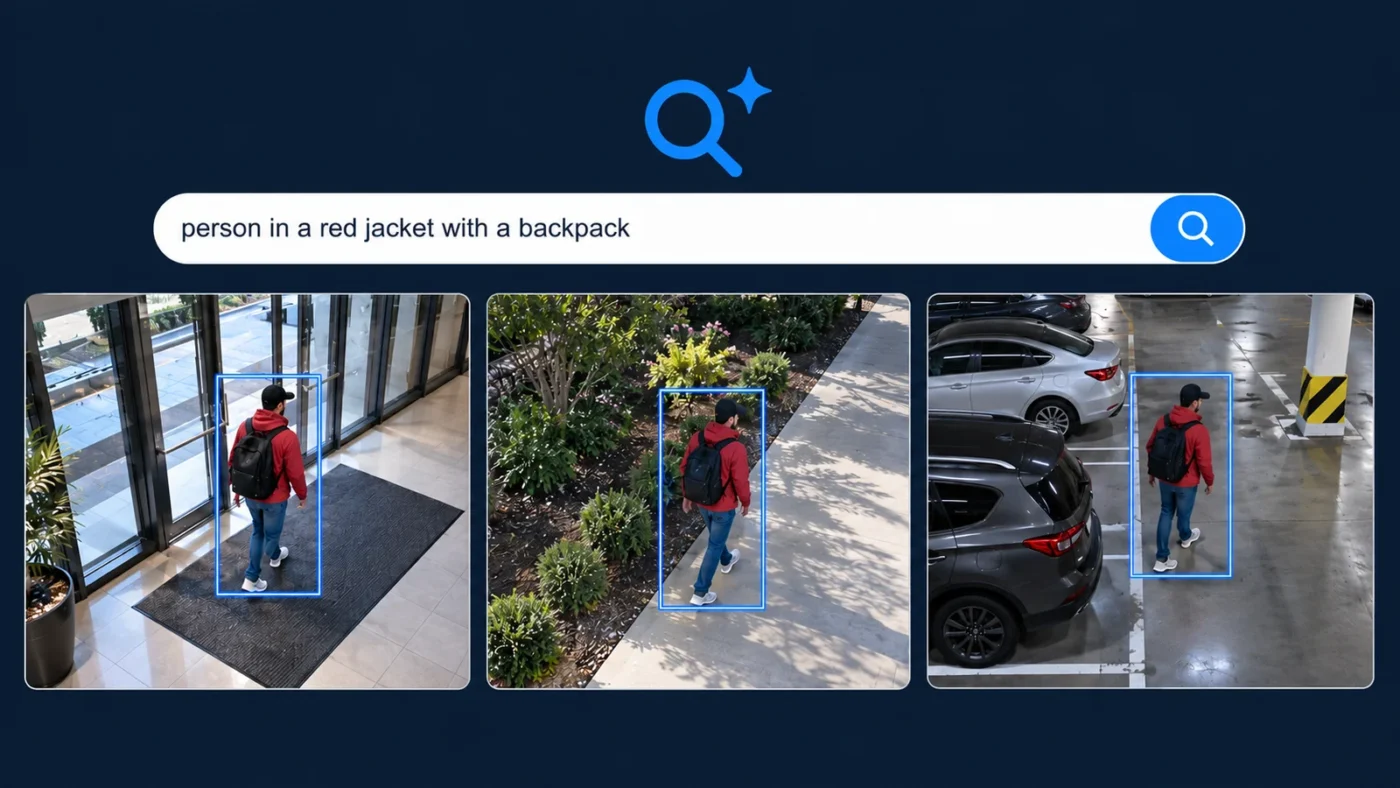
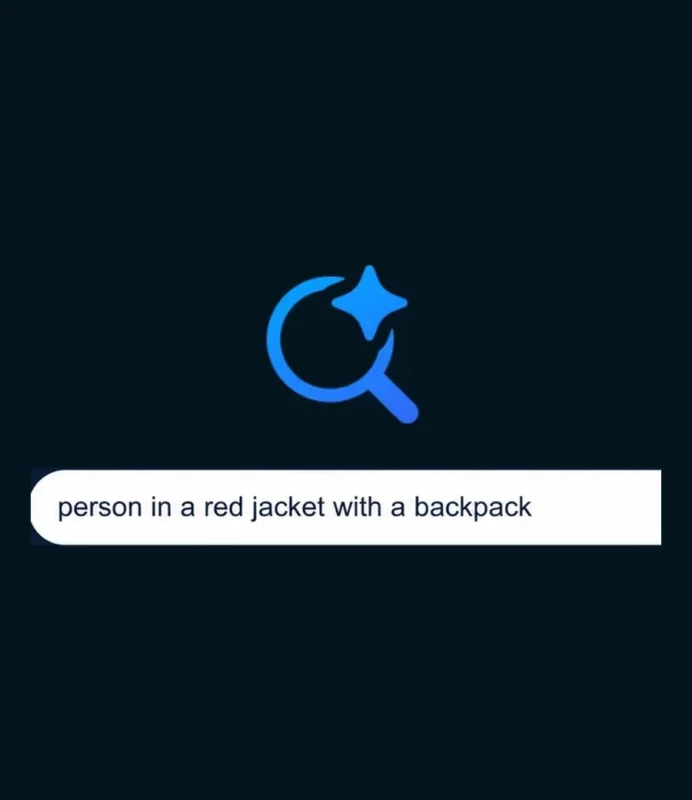
Type and Search: person in a red jacket with a backpack

Type what you are looking for. The cameras that saw it come back.

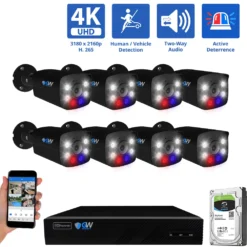
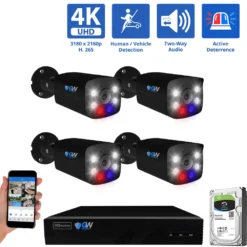
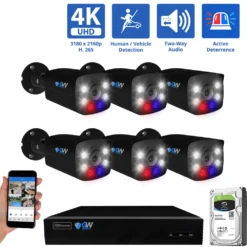
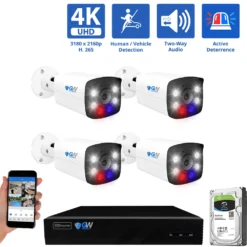
The new 8-channel 42 Series NVR

Everything the recorder brings to the job

New
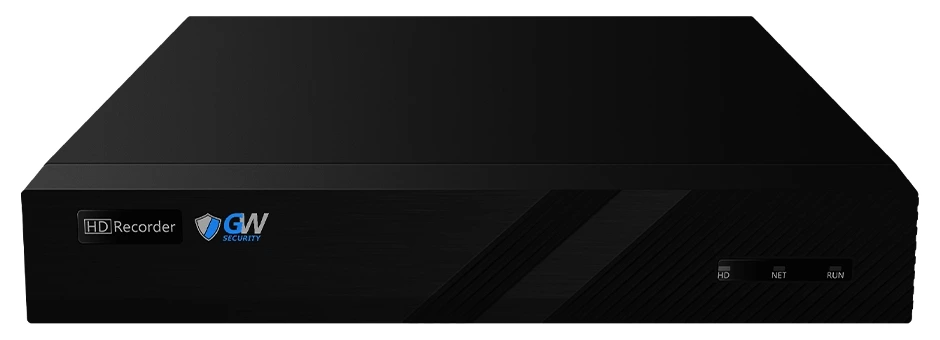
GW Security 42 Series 8-channel network video recorder, front

Model

GW42-4208P

From $399.00

8-channel 6K NVR, up to 10TB

42 Series 8-channel network video recorder

  • ✓12MP camera support, for detail you can zoom into
  • ✓6K recording on every channel, H.265
  • ✓AcuSearch, select a target in playback and find the matching appearances
  • ✓Type and Search, describe what you want in plain English
  • ✓Face recognition, alerts and faster searches from your own lists
  • ✓Human and vehicle detection, far fewer alerts from shadows, rain or trees
Shop 8-channel 42 Series systems

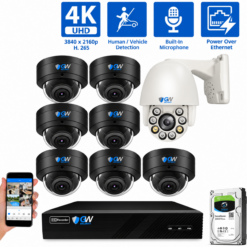
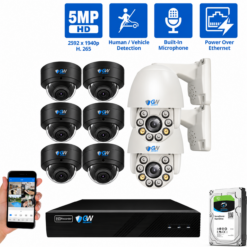
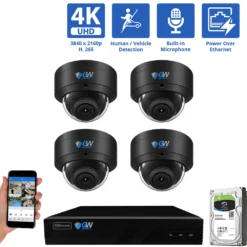
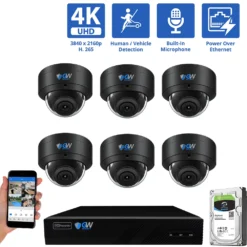
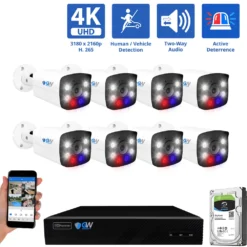
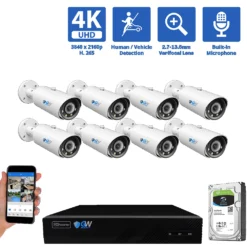
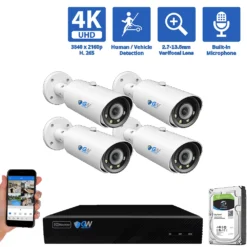
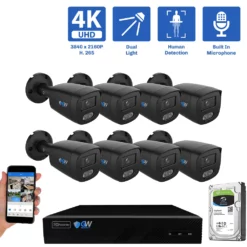
The 8-channel NVR and complete 8-camera bundles with AcuSearch built in.

How it works
Two ways to search. Same engine, all on the recorder.

In Playback

AcuSearch

AcuSearch step 1

01

Select a target

In Playback, click the target icon under the timeline and draw a box around the person or vehicle.

AcuSearch step 2

02

Extract the details

The NVR reads what makes the target unique: clothing, bag, hat, build, or a vehicle’s headlights and roof rack.

AcuSearch step 3

03

Compare across cameras

Those details are checked against everything the system has recorded, on every channel.

AcuSearch step 4

04

Get the matches

Each matching appearance is listed with the camera and time. Click one to play it.

From the Search menu

Type and Search

Type and Search step 1

01

Open Type and Search

From the Search menu on the recorder. No clip needed to start.

Type and Search step 2

02

Pick a category and a time

Person, motor vehicle, non-motor vehicle or others, for today or a date range within your recordings.

Type and Search step 3

03

Or just type it

Describe what you want in plain English, like “person in a red jacket with a backpack”.

Type and Search step 4

04

Get the matches

The cameras that saw it come back in seconds, with the clips ready to play.

Built for the day something goes wrong

Retail and restaurants

A customer reports a lost bag. Select it in playback and see the cameras it passed, from the door to the table to the parking lot.

Warehouses and job sites

Something left the dock that shouldn’t have. Search “white van” for the afternoon and get the matching clips.

Offices, schools, HOAs

An unfamiliar person was seen on campus. Click them once and follow their whole route across the property.

Compatible systems

AcuSearch and Type and Search are built into GW Security’s new 8-channel 42 Series network video recorder and every 8-camera system that ships with it. Works with the GW IP cameras sold for the 42 Series. The 16- and 32-channel 42 Series recorders do not include these searches.
Questions

No. Both searches run on the recorder’s own processor and storage. An internet connection is only needed if you want to run the search remotely from the app or a browser.

Yes. The analysis is done by the recorder, so the GW IP cameras connected to the 8-channel 42 Series NVR are included in the search.

Yes. AcuSearch lets you select several targets in one pass, so you can follow a person and the vehicle they left in together.

As far back as your recorder’s storage goes. The recorder catalogs people and vehicles as it records, so older footage is just as searchable as today’s.

AcuSearch and Type and Search match on appearance, like clothing, build and vehicle features, within your own footage. They do not look anyone up against outside databases. Face recognition is a separate feature on select systems.

Talk to a real person about your setup

US-based support, since 2004. Call 626-350-0555 or send us the size of your property and we’ll size the system.